Podcast to Shorts
You already recorded the content. One episode holds a week of posts, and the only thing standing between the two is the clipping. Paste the episode link, pull the moments that stand on their own, and Vid2Shorts makes each one a captioned vertical video.
First Short free. No account, no software, nothing to upload.
The episode is the asset, the clips are the distribution
Podcasts have a discovery problem that has nothing to do with quality. Nobody browses for a new hour long conversation. They stumble into a thirty second moment, decide they like the person talking, and go looking for the rest. Every short form feed is built to hand strangers exactly that moment, which makes clipping the highest leverage hour in a podcaster's week.
The catch is that clipping used to cost real time. Export the episode, drag it into an editor, find the moment, reframe to vertical, fix the framing where the crop cuts somebody off, add captions, export again, repeat five times. That is an afternoon per episode, which is why most shows stop doing it by week four.
The shows that grow are not the ones with better microphones. They are the ones still clipping in month six.
From episode link to posted clip
Mark moments as you go
The cheapest version of this workflow starts during the recording. When a guest says something that lands, note the timestamp. Ten seconds of typing saves twenty minutes of scrubbing later.
Paste the episode link
Drop in the YouTube link for the episode. Nothing uploads from your machine, and a two hour episode opens as fast as a two minute one.
Pull each moment
Set the window on the timeline, or let it read the transcript and hand you candidates. Check that it opens on the hook and closes on the payoff.
Export and schedule
Each clip renders as a captioned vertical MP4. Space them across the week rather than posting all six the day the episode drops.
What makes a podcast clip actually get watched
It survives without context
Nobody watching has heard the previous fifty minutes. If the moment only works because of a setup earlier in the episode, it belongs in the episode, not in a feed full of strangers.
It opens on the sharp end
Cut the run up. The clip should start on the claim, the disagreement, or the question, not on the polite two sentences that led to it.
It resolves
A clip that stops before the answer feels like being interrupted, and people punish that. Keep enough that the thought closes, even if it costs ten seconds.
Somebody is animated
Short form is a visual feed even when the content is conversational. The moments where a guest leans forward or laughs outperform the moments where two people sit still being insightful.
There is a longer version of this thinking, with a posting cadence and examples, in the podcast clips playbook.
Two people, one vertical frame
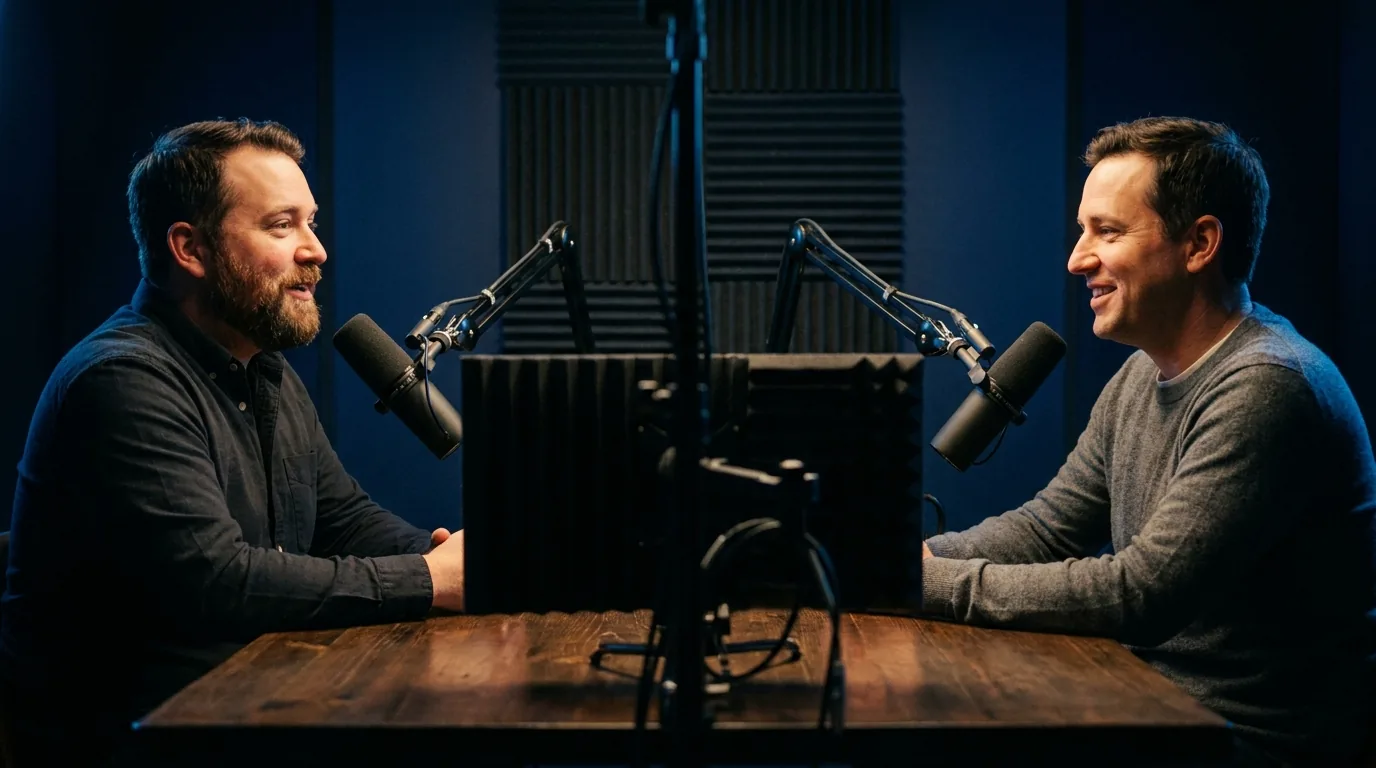
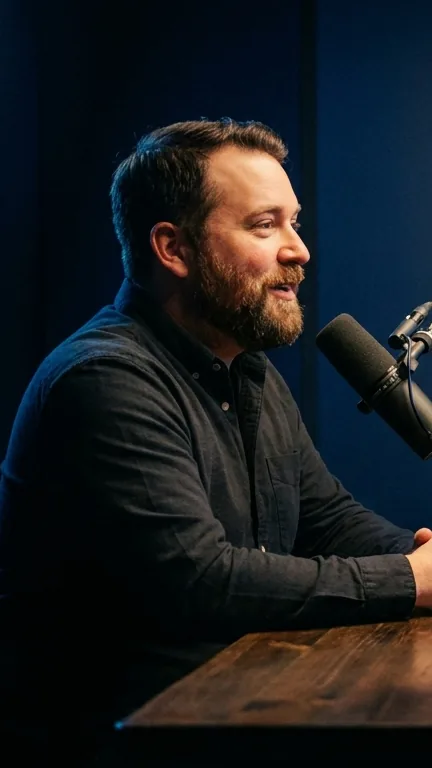
Podcast video is usually the hardest case for automatic reframing, because the classic setup is a wide two shot where the interesting person is off to one side and the middle of the frame is the space between them. A centre crop on that footage produces a vertical video of a table.
Auto-frame samples the footage and positions the vertical window on the subject rather than the geometric middle. For moments where both people matter, the Studio also offers a fitted layout that keeps the entire widescreen frame visible inside the vertical canvas with the space above and below filled, so nothing gets cut at all.
What podcasters ask
How many Shorts should I pull from one episode?
My podcast is two people on a wide camera. Will the crop ruin it?
Do I need video, or can I clip an audio only podcast?
What makes a podcast moment work as a Short?
Should the Short point back to the full episode?
How long does clipping an episode take?
Related pages
Clip your latest episode
Paste the link, pull the moment you already know is good, and see it vertical.
Start clipping