AI clip maker
Reads a long video and returns the moments worth posting, ranked.
An AI clip maker reads the transcript of a long video and returns the moments most likely to work on their own, rather than cutting on a timer. Vid2Shorts scores each candidate on four things, whether it hooks in the first second, whether it carries emotion, whether any line in it is quotable, and whether it makes sense with no setup, then shows you the reason it picked each one so you can disagree quickly.
First Short free. No account, no software, nothing to upload.
This is the working tool, not a description of one. The first Short is free and needs no account. Everything on this page describes what the product does today, checked August 2026.
The hard part was never the cutting
Anybody can cut a ninety minute recording into thirty second pieces. A script can do it on a timer, and the result is a hundred and eighty clips of which roughly none are worth posting, because a good Short is not a slice of a video, it is a complete small thing with a beginning that grabs and an end that lands.
What actually costs you the afternoon is watching the recording back and deciding. You scrub, you overshoot, you go back, you find something you half remember being good and it turns out to need two minutes of setup that is not in the clip. That loop is the job, and it is the loop this tool exists to take off you.
So the useful measure of an AI clip maker is not how many clips it produces. It is how few of them you throw away. A tool that hands you forty candidates you have to evaluate has moved the work rather than done it. Twelve you can decide on in a minute each is a better afternoon than forty you cannot.
What the ranking is actually looking at
Every candidate is scored on four separate things rather than one blended number, because a single score tells you nothing you can argue with. Hook asks whether the first second gives somebody a reason to stay, which in practice means a question, a claim, a number, or a sentence that is missing its ending. Emotion asks whether anything in the passage moves, laughs, or lands rather than merely informing.
Quotability asks whether a single line could be lifted out and still mean something, which is a surprisingly strong proxy for whether a clip gets shared rather than just watched. Standalone asks whether the passage needs setup that is not inside it, and it is the one that most often kills a moment you liked. A brilliant answer to a question nobody heard is not a clip, it is half a conversation.
The scores are shown to you with the reason attached, and that is deliberate. A ranking you cannot see inside is something you either trust blindly or ignore, and both are worse than a ranking you can skim and overrule. When it puts a moment third and you can see it scored low on standalone because the speaker said "like I mentioned earlier", you know exactly what to do with it.
Why the crop is the part most tools get wrong
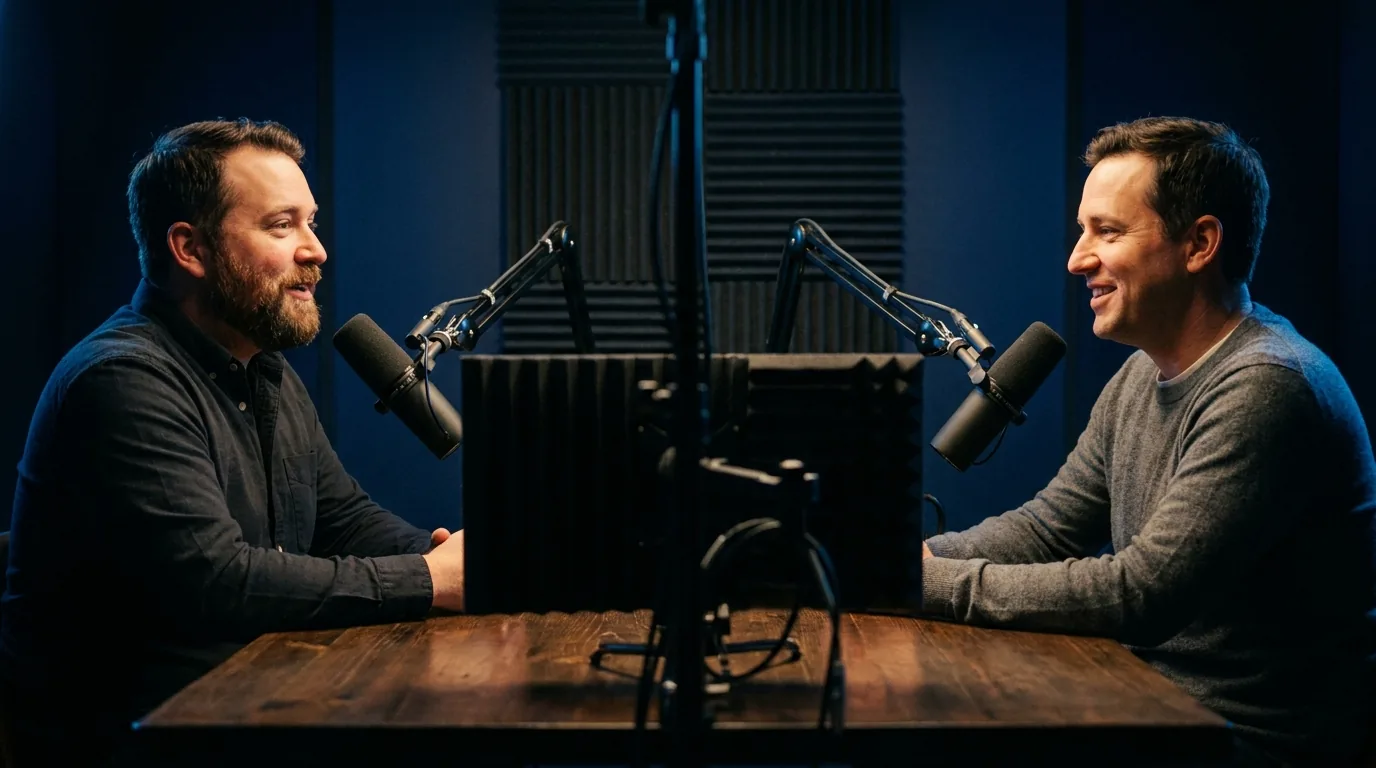
Turning a wide frame into a vertical one throws away most of the picture, and where you throw it away from decides whether the clip is watchable. The naive answer is to take the middle. On a single speaker centred in frame that works. On a two person interview it is a disaster, because the middle of a wide two shot is the gap between two people, so you get a beautifully composed shot of a wall while two voices argue off screen.
The frame here follows the subject instead, which means when the speaker changes the crop moves with them. That single behaviour is worth testing before you choose any tool in this category, ours included. Run one interview through it and watch what happens at the moment the second person starts talking. If the frame does not move, the tool cannot do interviews, whatever its marketing says.
The window can also be nudged by hand afterwards, because automatic framing is right most of the time and not all of the time, and a tool that will not let you overrule it is a tool that wastes the clip it got wrong.
What this will not do for you
It does not insert stock footage behind you and it does not schedule a posting calendar. It will strip filler words out of the captions, which is not the same thing as cutting them out of the audio, and the tools that do the larger version are named on the comparison pages along with everything else they do better.
It also cannot rescue a recording that has nothing in it. Ranking is relative: the best moment in a flat hour is still the best moment in a flat hour. What the tool genuinely saves you is the search, and the honest version of that promise is that you will still throw some of these away.
How to do it
Paste the link
Drop a YouTube link on the homepage. Nothing is uploaded from your device and nothing is asked of you yet, no account and no card.
Let it read the whole thing
The audio is transcribed and the transcript is read end to end rather than sampled, so a good moment forty minutes in is found as readily as one in the first five.
Skim the ranked moments
Candidates come back scored on hook, emotion, quotability and whether they stand alone, each with the reason it was chosen. Disagreeing takes seconds.
Check the framing
The vertical window follows whoever is speaking. Nudge it by hand if a moment needs it, which is usually when several people move at once.
Caption and export
Captions are timed word by word. Export a 1080 by 1920 MP4, and download the transcript as an SRT or VTT file if you want subtitles for elsewhere.
Specifications
The numbers rather than the adjectives, including the limits. If one of these is a dealbreaker it is better learned here than after paying.
| Input | A public YouTube link. Nothing is uploaded from your device |
|---|---|
| Source length | Up to 45 minutes on the day pass, up to 2 hours on Pro |
| Clips per run | 8 on the day pass, 12 on Pro |
| Scored on | Hook, emotion, quotability, whether it stands alone |
| Framing | Follows the subject, and can be nudged by hand |
| Output | 1080 by 1920 MP4, H.264, on every tier including free |
| Runs in | Any modern browser. Nothing to install, works on a phone |
| Free tier | One Short a day, up to 30 seconds, with a small corner watermark |
| Account needed | Not for your first Short. Captions and subtitle files need a free account |
What people ask about this
What is the best AI clip maker?
How many clips should I actually post from one video?
Does it work on interviews with more than one person?
Can I use it without an account?
How long can the source video be?
Does it work on videos that are not mine?
Is the ranking actually predicting what goes viral?
What formats can I get out?
Try it on one video
The first Short is free, needs no account, and takes about two minutes. That answers more than any page about a tool can, including this one.
Open the Studio