Your Short Can't Be Played Because It Contains Claimed Content: The Fix
You uploaded a Short, YouTube blocked it, and the notice blames a length limit you never set. It is one of the most searched Shorts errors of 2026 and one of the least understood. It is almost always a song playing a few seconds too long, and it clears once you know which of four buttons to press.
The short version
- The message means a length limit, not a ban. A copyright holder allows their content in Shorts only up to a set length, and your Short went past it.
- No strike, no penalty. YouTube's help page says there are no penalties to your channel. The Short is just not playable until the claim is cleared.
- Four fixes in Studio. Trim out the segment, replace the song, erase the song, or mute the claimed part. The claim releases automatically once the claimed content is gone.
- Or cut it under the limit and upload again. Most Audio Library songs are allowed for 90 seconds in a three minute Short, some only 60 or 30.
- Almost nobody needs the length anyway. Of 1,699 Shorts made on Vid2Shorts between 7 August and 23 October 2026, 96.9% were 60 seconds or under.
What the message actually means
The full notice reads: "Your Short can't be played because it contains claimed content that exceeds the length limits set by the copyright holder. To fix this, resolve the claim or re-upload without the claimed content." Some creators see a shorter version in the upload flow: "The copyright protected content detected is not allowed in Shorts longer than 60 seconds."
Both say the same thing. YouTube's Content ID system matched part of your Short to something a rights holder has registered, usually music. That rights holder has told YouTube how long their content may appear in a Short. Your Short is longer than that, so the whole Short is blocked rather than just the matched part.
Three things are worth knowing before you touch anything. It is a claim, not a strike, and YouTube's own help page says there are no penalties to your channel. The block applies on YouTube only, so the file on your phone is fine. And the fix is almost always mechanical: make the claimed content shorter or remove it, and the block lifts on its own.
The three cases that trigger it
| Case | What happened | The fix that works |
|---|---|---|
| A song past its allowed length | You used a licensed track, from the Audio Library or synced in your editor, for longer than the owner allows. YouTube's help page says most Audio Library songs are allowed for up to 90 seconds in a three minute Short, and some tracks only 60 or 30 seconds. | Trim the Short under the limit, or trim, mute or replace the song in Studio. |
| A longer Short claimed before 24 September 2026 | Until that date, any Short over one minute with an active Content ID claim of any type was blocked globally, whatever the owner's usual policy. Shorts uploaded before the change can still carry the block. | Remove the claimed content, cut the Short to 60 seconds or under, or dispute if you have the rights. |
| An owner whose policy is to block | Some rights holders block their content in Shorts entirely, or in certain countries. Length is not the issue, but the notice can still name the length limit. | Remove the claimed content. Shortening will not help. |
Sources: YouTube Help, understand three minute YouTube Shorts; YouTube Help, remove Content ID claimed content.
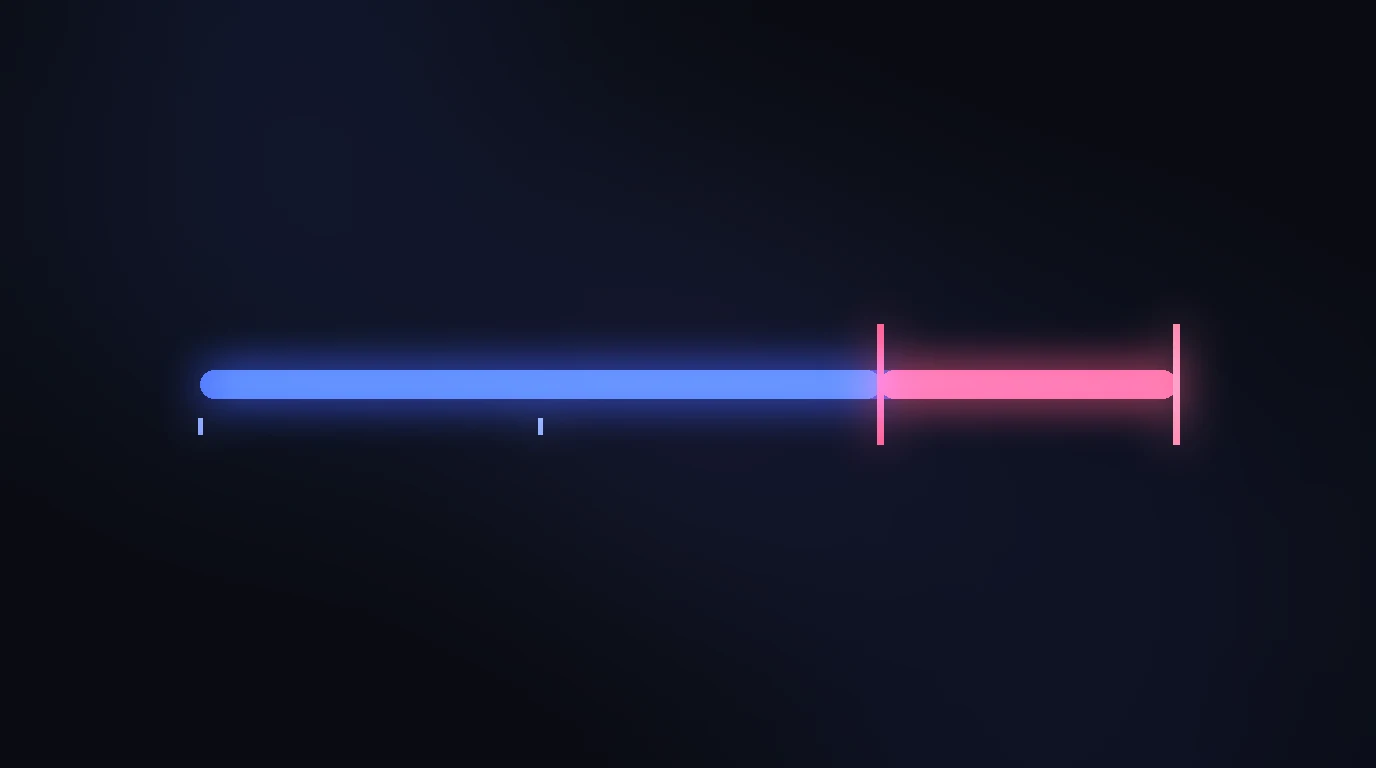
The first case is by far the most common, and it is also the one people misread. The Short was not blocked because it is three minutes long. It was blocked because a 90 second song is playing under a two minute Short, or a 60 second track is playing under a 75 second one. The music is the clock, not the video.
How to see which claim it is
- Open YouTube Studio and go to Content. The blocked Short shows a Copyright label in the Restrictions column.
- Hover the label and choose See details. The panel names the claimed content, who claimed it, and the exact start and end times of the matched segment.
- Read the segment times against your Short's length. If the match is a song and the segment runs most of the Short, you are in the first case above. If the claim is for a video clip, or the owner's policy reads block, you are in the third.
- Check the date. A Short uploaded before 24 September 2026 that is longer than a minute may be blocked under the old rule even where the owner's policy would now let it play.
Fix it in YouTube Studio
From the same See details panel, Select action opens the four tools YouTube offers. All four release the claim automatically once no claimed content remains, and all four are permanent: YouTube's help page says that once you save the edited video you cannot revert the changes, so download a copy first.
| Action | What it does | Use it when |
|---|---|---|
| Trim out segment | Cuts the claimed part out of the video. Works for any claim type, video or audio. | The claimed part is at the start or end, or is a short stretch you can lose. |
| Replace song | Swaps the claimed audio for a track from the Audio Library. Audio claims only. | The Short needs music but not that music. Pick a track long enough to cover the whole claimed segment or the claim stays. |
| Erase song | Tries to remove only the claimed song while keeping speech and effects. YouTube says it may not work if the song is hard to separate. | Someone is talking over the music and you want to keep the talking. |
| Mute all sound in the claimed segment | Silences everything in the matched stretch. YouTube calls this the faster option and the one more likely to clear the claim. | The claimed stretch has nothing you need to hear. |
Source: YouTube Help, remove Content ID claimed content from your video.
Two limits from the same help page. Processing time varies, and the Videos list shows an estimate while it runs. And channels outside the YouTube Partner Program may not be able to save these edits on a video with more than 100,000 views, which for a blocked Short is rarely a problem, since it has had none.
Fix it by cutting shorter
If the Short is only a little past the limit, the fastest fix is to cut it under the limit and upload it again. YouTube runs the copyright check during upload, so setting the new version to private first lets you see whether the claim is gone before anyone else does.
- Know the number. 90 seconds for most Audio Library songs in a three minute Short, 60 or 30 for some. The See details panel tells you which.
- Cut the music, not just the video. A Short can be two minutes long with a song under only the first 59 seconds. The limit is on how long the claimed content plays, so fading the track out early can keep the full length.
- Start the clip later rather than ending it earlier. Most clips that run long have a slow first ten seconds. Losing them usually improves the Short as well as clearing the claim.
- Accept the reset. A new upload is a new video. Views, likes and comments on the blocked one do not carry over.
In the Vid2Shorts Studio the selection window shows the exact length as you drag it, and the wizard's selection window stops at a minute, which is one reason so few Shorts made here ever see this message.
When to dispute instead
A dispute is for a claim that is wrong, not for a claim that is inconvenient. YouTube's help page says you can file one if you believe the claim was made in error, and once the claim is resolved the Short becomes viewable and eligible for monetisation again. Valid reasons are your own recording, a licence that covers Shorts, or a genuine fair use such as review or commentary. Keep the proof.
The numbers are better than the fear around them. According to Google's transparency report, in 2025 uploaders disputed 0.51% of Content ID claims and 67.42% of those disputes ended in the uploader's favour. A dispute on a plain reused song will not, and a rejected dispute can escalate to a takedown request, which is where strikes come from. So dispute when you have a reason, and trim when you do not.
What changed on 24 September 2026
For two years the rule for longer Shorts was blunt: any Short over one minute with an active Content ID claim was blocked, whatever the owner's policy. On 24 September 2026 YouTube dropped the automatic block for Shorts of one to three minutes, so a claim on a 90 second Short now follows the owner's policy, as it always did for Shorts under a minute. Our guide to the new Content ID rule for longer Shorts covers that change in detail.
It does not make this message go away. The message describes a length limit set by the copyright holder, and that limit still applies at any Short length. A 90 second song cap is a 90 second song cap whether the automatic block exists or not. When we checked the English help page on 23 October 2026 it still described the older rule, so expect the two wordings to exist side by side for a while.
How long Shorts really are
We looked at every Short completed on Vid2Shorts between 7 August and 23 October 2026, 1,699 of them from 1,001 different source videos.
| Length | Shorts | Share |
|---|---|---|
| 15 seconds or under | 154 | 9.1% |
| 16 to 30 seconds | 778 | 45.8% |
| 31 to 60 seconds | 714 | 42.0% |
| 61 seconds to 3 minutes | 41 | 2.4% |
| Over 3 minutes | 12 | 0.7% |
First party totals from our own job log. The automatic clip tool offers Auto, 15, 30 and 60 second lengths, so the shape of this table partly reflects the tool. The median Short was 30 seconds.
The point for this message is simple. The band where a length limit on music bites, 61 seconds and up, holds 3.1% of the Shorts made here. If a clip needs more than a minute, it should have it; our guide to Shorts length is about when that is true. But if a Short is being blocked for its length and it did not need the length, the cut is the fix.
Questions people ask
What does "Your Short can't be played because it contains claimed content that exceeds the length limits set by the copyright holder" mean?
Why is a song limited to 60 seconds in my 3 minute Short?
Will a claimed Short give me a copyright strike?
How do I remove the claimed content without re-uploading?
Is it faster to re-upload a shorter version?
Did the 24 September 2026 change fix this?
How long does the Short stay blocked after I fix it?
The bottom line
The message is a length limit on somebody else's content inside your Short, almost always a song, and it costs you nothing but the time to fix it. Trim, mute or replace the claimed stretch in Studio and the claim releases on its own; or cut the Short under the allowed length and upload it again; or, if the claim is actually wrong, dispute it with proof.
And next time, pick a royalty free bed or keep the licensed track under the limit. Of the 1,699 Shorts made here in eleven weeks, 97% never came near it.
Cut it to the length that clears the claim
Paste the YouTube link, drag the window to the exact seconds, swap in a royalty free bed, and export a captioned vertical Short.
- YouTube Help: Understand three minute YouTube Shorts
- YouTube Help: Remove Content ID claimed content from your video
- YouTube Help: Dispute a Content ID claim
- Google Transparency Report: YouTube copyright
- Vid2Shorts: The new Content ID rule for longer Shorts
- Vid2Shorts job log, 7 August to 23 October 2026 (first party data)
The YouTube notice "Your Short can't be played because it contains claimed content that exceeds the length limits set by the copyright holder" means a Content ID match, usually music, is playing for longer than its owner allows in a Short. YouTube says there is no channel penalty; the fixes are to trim, mute or replace the claimed segment in Studio, cut the Short under the allowed length, or dispute a claim made in error.
Vid2Shorts, "Your Short Can't Be Played Because It Contains Claimed Content: The Fix", October 23, 2026. https://vid2shorts.com/blog/youtube-shorts-claimed-content-cant-be-played