Is there a free Klap alternative?
Vid2Shorts runs a permanent free tier: one Short a day, up to thirty seconds, all presets, small watermark, and no account needed for the first one. Klap offers a free trial video and then a monthly plan. Neither is unlimited, and any tool claiming unlimited free rendering is either about to change that or is not really rendering anything.
Which is better, Klap or Vid2Shorts?
On the shared job, finding a moment in a long video and turning it into a captioned vertical clip, they are close enough that we would rather you tested both on your own footage than believed a table. The honest split: Klap supports far more languages and generates more clips per run, ours starts without an account, sells a single day rather than a month, and makes music visualizers.
Does Klap work without signing up?
It asks you to create an account before your first export. As of August 2026, Vid2Shorts is the only tool on this page that will hand you a finished Short before knowing who you are.
How many languages does Klap support?
Its homepage advertises 52, which is more than we support and a genuine reason to choose it if you publish across many markets.
Does Klap have a music visualizer?
No. If part of your output is a track on screen rather than a talking head, that is the clearest difference between the two products. We ship fourteen visualizer presets and every one works on the free plan.
Can I use both?
Easily, and some people do. Both output a 1080 by 1920 MP4 and neither locks your work in. Testing a second tool costs one video.
How many clips should I actually make from one video?
Fewer than either tool will offer you. Klap advertises dozens of Shorts from a single long video and we cap an Auto Clips run at twelve, and in both cases the honest answer is that the top three are usually worth posting and the rest are the same episode wearing a different hat. Volume is a feature when you are filling a back catalogue and a trap when you are building an audience, because posting eight mediocre clips from one recording teaches people to scroll past your name.
Do both reframe around the speaker?
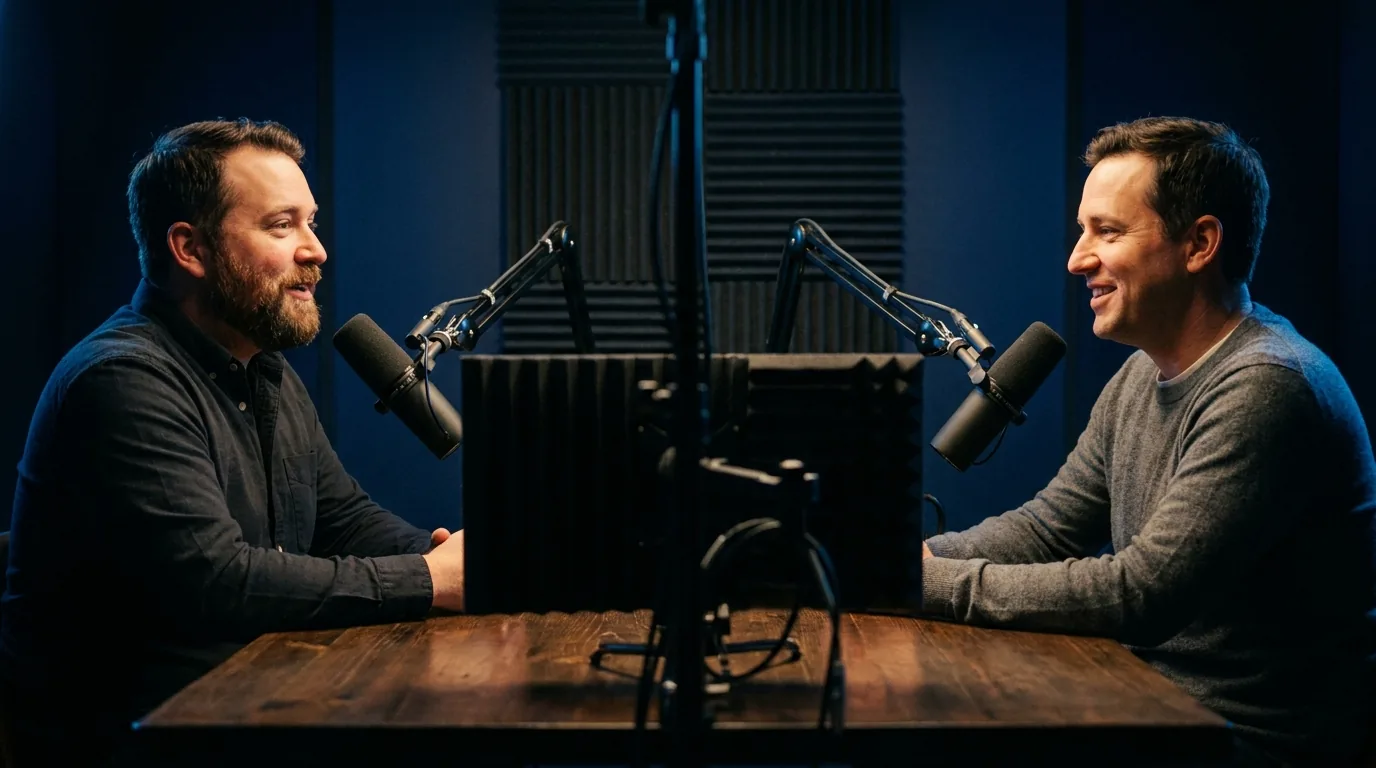
Yes, and this is the single most important thing to test on your own footage before choosing either. A wide two shot has an empty gap in the middle of the frame, so a tool that crops the centre gives you a beautifully composed shot of a wall between two people. Both of these follow the subject instead. Run the same interview through each and look at what happens at the moment the speaker changes.