Instagram Reel maker
Turns a long recording into Reels, captions and all.
A Reel is a vertical clip that has to work silently, in a feed, against everything else in that feed. Making one from a long video means picking a moment that stands on its own, reframing 16:9 into 9:16 without losing the speaker, and captioning it so it reads with the sound off. All three happen here from a pasted link, in a browser.
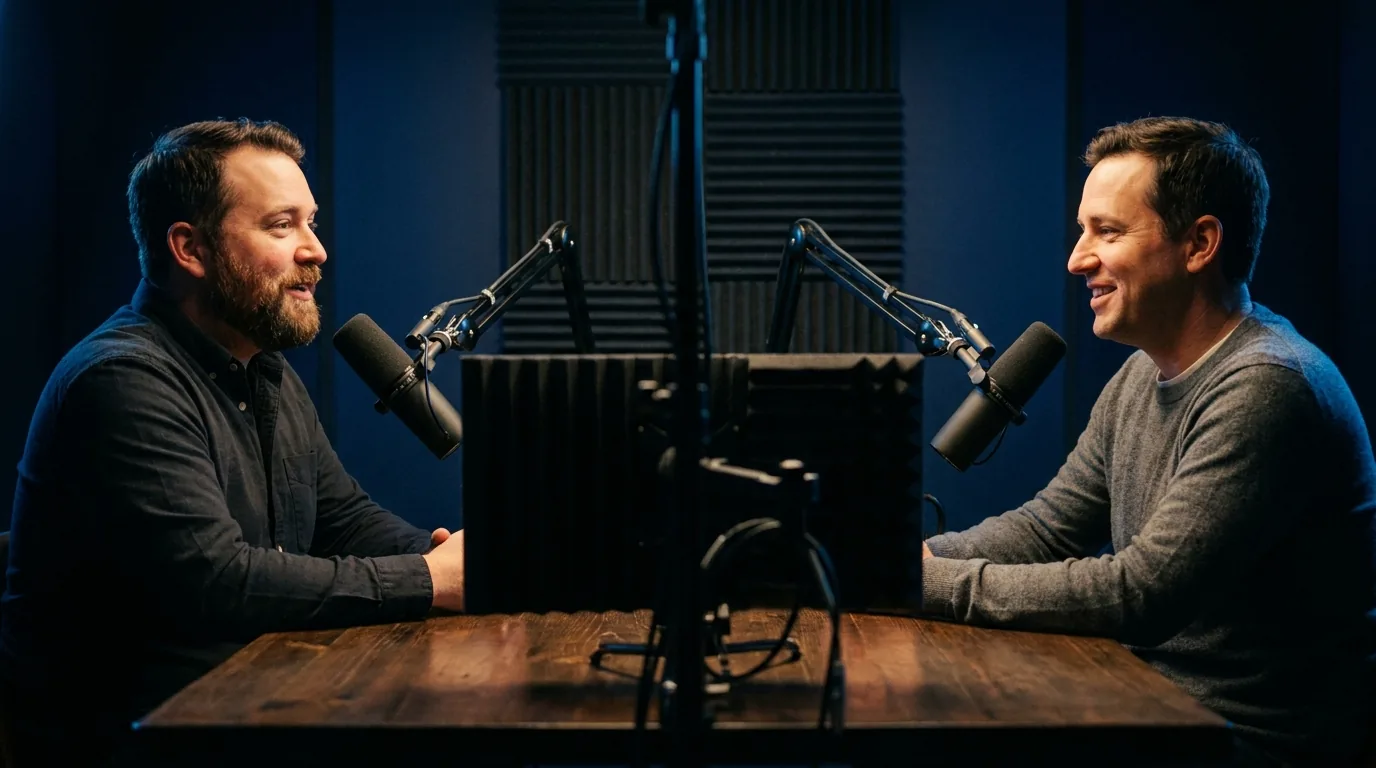
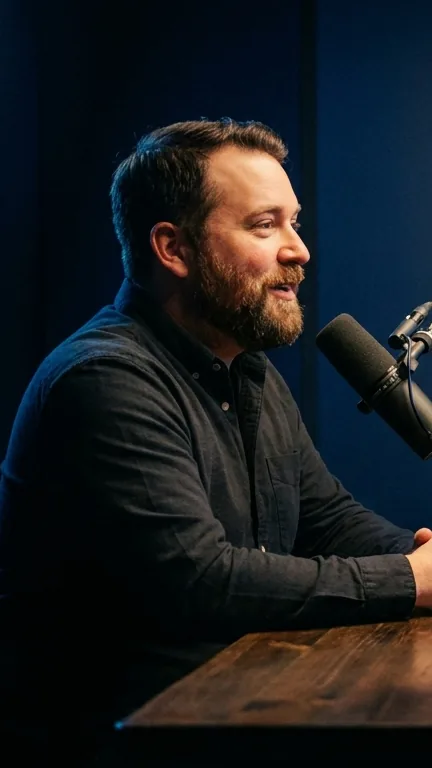
First Short free. No account, no software, nothing to upload.
This is the working tool, not a description of one. The first Short is free and needs no account. Everything on this page describes what the product does today, checked August 2026.
The first second is the entire negotiation
A Reel arrives without being asked for. Nobody clicked a title, nobody read a description, nobody decided to watch this. The clip has about a second to give a reason to stay, and everything else about it matters less than that. Which means the single highest leverage decision is where the clip starts, not how it is styled.
This is why starting on a question, a number, a claim, or a sentence that is missing its ending works so reliably, and why starting on somebody saying "so, yeah, as I was saying" does not. The ranking here scores exactly that as hook, separately from everything else, and shows the reason next to each candidate so you can see whether you agree.
Instagram draws a lot on top of your video
A username, a caption, a row of buttons down the right, an audio credit, sometimes a progress bar. All of it is drawn over your picture, and none of it is in the file you uploaded. If you place your captions where a film would put subtitles, at the very bottom, a good proportion of your audience reads them through a description.
The workable answer is to keep anything that must be read comfortably above the bottom third and inside the sides, and to leave the top clear as well since a header and a back button live there. Captions here default to a position that clears both, and it is adjustable, because the safe area is not identical across platforms and you may only be posting to one.
The cover frame is worth a thought too. It is the still that represents the Reel on a profile grid, and a frame chosen at random is frequently somebody mid blink. If the grid matters to you, pick a moment whose first frame is not embarrassing.
Muted by default, and heard by the people who stay
The clip has to work silently and then reward turning the sound on, which is a slightly awkward pair of requirements and the reason captions are not optional. Word by word timing does most of the work here, because it keeps reading speed and speaking speed together instead of giving away the end of the sentence early.
If the audio is music rather than speech, the whole shape changes and a talking head tool has nothing useful to say. That is what the music visualizer is for: artwork on screen pulsing with the bass, spectrum rings and bars, and lyrics burned in word by word as they are sung. It is the one thing on this site that none of the tools we compare against offer at all.
Doing this without an app
It runs in a browser, so it runs on the phone the Reel is going to be posted from, and there is nothing to install or keep updated. The first Short costs nothing and asks for nothing: no account, no card, no email. Captions and subtitle files need a free account, because transcription costs real money.
If you post in bursts around a launch or an event rather than evenly through the month, there is a twenty four hour day pass that removes the watermark and the daily limit and then expires on its own, with nothing to cancel. That shape suits this work better than a subscription that bills through the quiet weeks.
How to do it
Paste the link
A public YouTube link. Nothing leaves your device, and the first Short needs no account.
Pick the moment that starts well
Ranked candidates come back with a hook score and a written reason, so you can judge the first second rather than guess at it.
Frame it vertically
The window follows the speaker. Move it by hand where the important part of the picture is not a face.
Caption clear of the interface
Word by word, above the bottom third, so a username and a description are not sitting on your words.
Export at 1080 by 1920
The native size, so Instagram re-encodes it as little as possible on the way in.
Specifications
The numbers rather than the adjectives, including the limits. If one of these is a dealbreaker it is better learned here than after paying.
| Output | 1080 by 1920 MP4, the native Reels size |
|---|---|
| Reframing | Follows the subject, and can be moved by hand |
| Captions | Word by word, defaulting clear of the interface |
| For music | A visualizer with 14 presets, on every tier including free |
| Works on | A phone browser as well as a desktop one |
| Output | 1080 by 1920 MP4, H.264, on every tier including free |
| Runs in | Any modern browser. Nothing to install, works on a phone |
| Free tier | One Short a day, up to 30 seconds, with a small corner watermark |
| Account needed | Not for your first Short. Captions and subtitle files need a free account |
What people ask about this
How do I make a Reel from a long video?
What size is an Instagram Reel?
Where should captions go on a Reel?
Can I make Reels from a podcast?
What if my Reel is music rather than talking?
Do I need an Instagram account connected?
Is there a free way to do this?
Try it on one video
The first Short is free, needs no account, and takes about two minutes. That answers more than any page about a tool can, including this one.
Open the Studio