What is the best free alternative to OpusClip?
It depends what you mean by free. If you want a finished clip in the next two minutes without making an account, Vid2Shorts is the only tool on this page that allows it, with a watermark and a thirty second cap on the free tier. If you are happy to sign up and want a recurring monthly allowance, Vizard and Klap both run free credits. If you want unlimited free and are willing to do the cutting yourself, CapCut is genuinely free and genuinely manual.
Is OpusClip worth paying for?
For somebody clipping at volume, yes, and we would rather say that plainly than pretend otherwise. It is a mature product with reliable scoring, strong caption templates, b-roll, and a workflow built for teams pushing dozens of clips a week. The reason people leave is rarely the product. It is the shape of the bill.
Is there an OpusClip alternative with no watermark on the free plan?
Not here, and we would rather lose the click than mislead you. Our free tier puts a small mark in the corner, which is how the free tier pays for the compute it uses. The day pass removes it for twenty four hours for seven dollars, and Pro removes it monthly. Some browser visualizer tools do export with no watermark at all; if a bare clip with no captions is the whole job, they will do it.
Does anything here work without creating an account?
Only Vid2Shorts, as of August 2026. Every other tool compared on this page asks you to register before you see an export. That is a reasonable decision on their part and it makes casual evaluation slow, which is the gap we are built in.
Which handles a two person interview better?
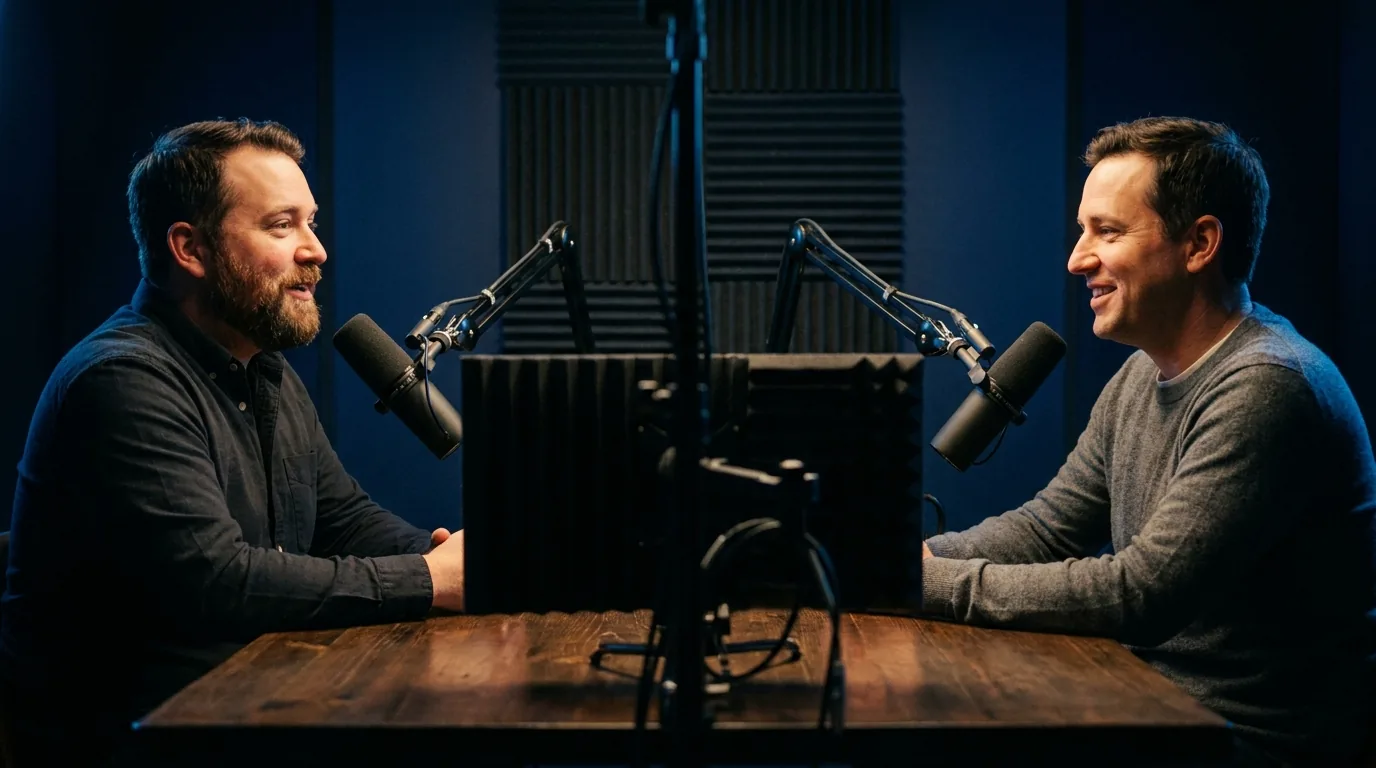
Both do it properly. OpusClip and Vid2Shorts both reframe around where the subject actually is rather than cropping the centre, which matters enormously on a wide two shot because the centre of that frame is usually the empty gap between two people. Avoid any tool that only offers a fixed centre crop.
Can I move between them without redoing work?
Yes. Every tool here outputs the same thing, a 1080 by 1920 MP4, so nothing locks you in except your own templates and habits. Trying a second tool costs you one video, not a migration.
Does OpusClip do music visualizers?
No, and neither does Klap, Vizard or Submagic. If your output is a track on screen, artwork pulsing with the bass and the words appearing as they are sung, that is the one thing on this page only Vid2Shorts does. Fourteen presets, and every one is available on the free plan.
What does OpusClip do that Vid2Shorts cannot?
AI b-roll, filler and silence removal, brand templates, team seats and an API. Those are real features and we do not have them. If any one of them is the reason you are shopping, buy theirs.
Is a virality score worth anything?
It is worth something as an ordering and very little as a prediction, and any tool presenting one as a forecast is overselling it, ours included. What a score genuinely does is save you scrubbing a ninety minute timeline: it puts the ten candidate moments in front of you instead of the nine hundred. Our ranking shows the reason a moment was picked, scored on hook, emotion, quotability and whether it stands alone without setup, precisely so you can disagree with it quickly rather than trust it blindly.